Barcode Scanning Integration
Staff scan product barcodes to instantly check items in or out, eliminating manual data entry errors.
Expert guide
Direct answer
Related service: Access database design & development
Trusted by Industry Leaders
From startups to Fortune 500 companies, we've delivered Excel and Access solutions that drive real business results.














Join hundreds of satisfied clients who've transformed their business workflows with our expert solutions.
| Feature | Spreadsheet-only tracking | Access + barcode system |
|---|---|---|
| Weekly tracking labor | 25+ hours | Under 2 hours |
| Check-in / check-out time | ~5 minutes per item | ~30 seconds |
| Data entry errors | Frequent typos & duplicates | 95% reduction |
| Inventory accuracy | ~65% | 98% |
| Stock visibility | Manual spreadsheet compile | Real-time by location |
A mid-size warehouse operation managing equipment rentals across multiple locations needed a better way to track product check-ins and check-outs. Staff were manually logging items in spreadsheets, leading to frequent errors, lost inventory, and time-consuming reconciliation processes.
The client faced three critical problems:
Staff manually entered product information into Excel spreadsheets, resulting in frequent typos, duplicate entries, and missing items. Inventory accuracy was unreliable.
Each check-in or check-out took 5 minutes to log manually. With 50+ transactions daily, staff spent 25+ hours per week on inventory tracking alone.
Managers couldn't see current stock levels, active checkouts, or return conditions without manually compiling data from multiple spreadsheets.
We built a custom Microsoft Access database with integrated barcode scanning capabilities. The system automated check-in/check-out workflows, tracked return conditions (perfect, damaged, needs repair), and generated real-time inventory reports.
As transaction volume grew, we migrated the backend to SQL Server to support multiple concurrent users and handle larger datasets without performance issues.
Staff scan product barcodes to instantly check items in or out, eliminating manual data entry errors.
System tracks which warehouse location each item is at, making it easy to locate products quickly.
System alerts managers when stock levels are low or when items have been checked out for extended periods.
Staff log return conditions (perfect, damaged, needs repair) during check-in, enabling better inventory quality management.
Automated reports show active checkouts, stock levels by location, transaction history, and inventory summaries.
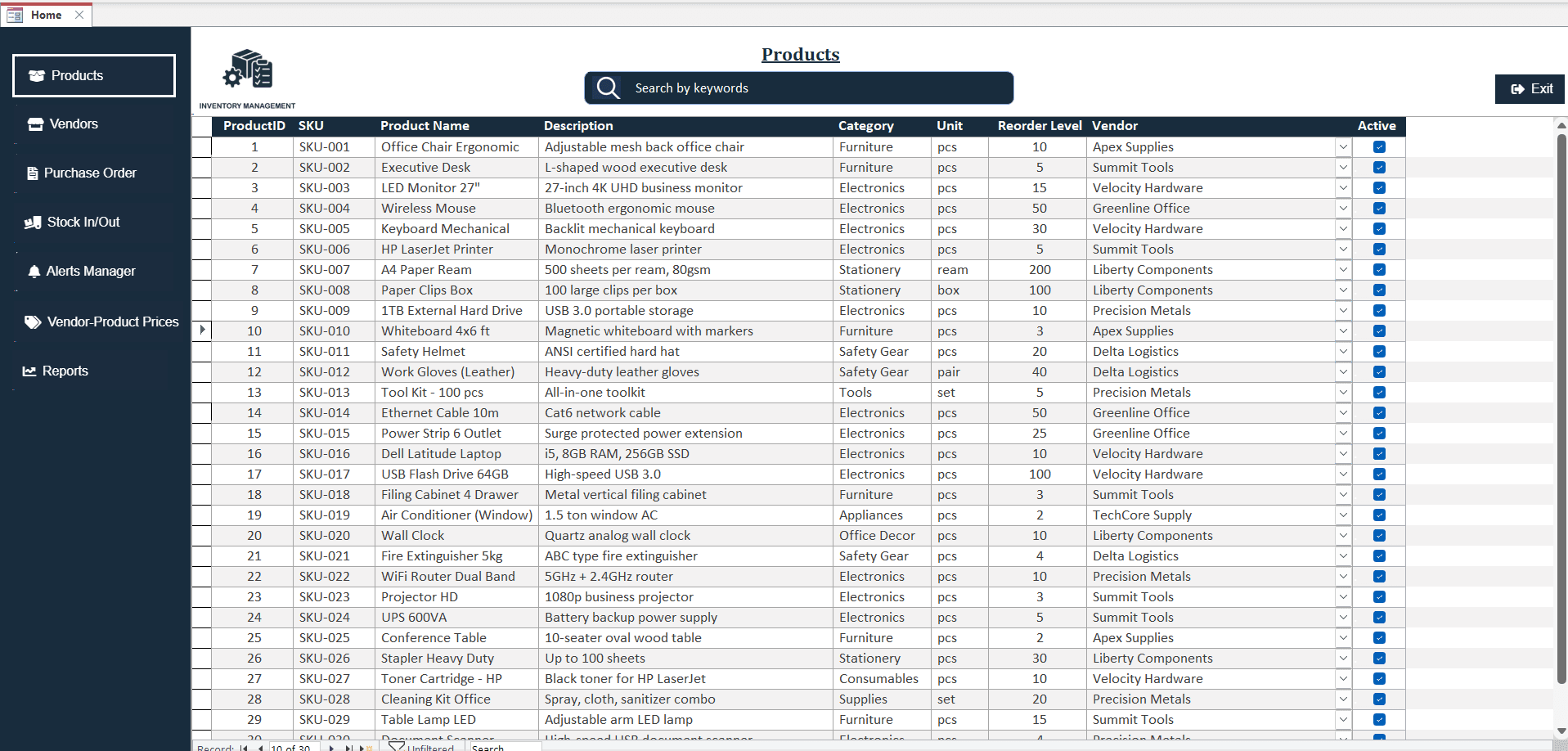
The barcode automation system delivered measurable improvements in operational efficiency and accuracy.
Reduced manual inventory tracking from 25 hours per week to under 2 hours-saving 23 hours weekly (92% reduction).
Eliminated 95% of data entry errors through automated barcode scanning and validation.
Check-in/check-out operations reduced from 5 minutes per item to 30 seconds-10x faster processing.
Improved inventory accuracy from 65% to 98% through automated tracking and real-time updates.
Successfully scaled from 500 SKUs to 2,500+ products without performance degradation after SQL Server migration.
System paid for itself within 3 months through reduced labor costs and eliminated inventory discrepancies.
Microsoft Access - User interface and local database
VBA (Visual Basic for Applications) - Backend automation and business logic
SQL Server - Backend database for multi-user support and scalability
Barcode Scanner Integration - Automated product identification
Excel Export - Formatted report generation for management review
"The barcode system transformed how we manage inventory. What used to take hours now takes minutes, and we've virtually eliminated tracking errors. The real-time visibility into our stock levels has been a game-changer for our operations." - Warehouse Operations Manager (name withheld per NDA)
FAQ
Common questions about Access inventory databases with barcode scanning
We build fixed-price Excel and Access solutions scoped to the hours and dollars you recover. Start on the matching service page, or run a free Workflow Cost Audit.